Use a MIDI controller with OBS on Windows
Understand how MIDI Command Studio can control OBS hotkeys, input levels, presets, and Mackie/MCU workflows.
Map knobs, faders, and buttons to keyboard shortcuts, macros, and app or system volume, with per-device presets and quick switching.
Windows 10/11 · Works with most MIDI controllers
Using MIDI beyond music software
Designed to extend MIDI controllers into general Windows use, allowing them to trigger actions and control multiple applications.
A versatile toolkit for controlling Windows using MIDI devices.
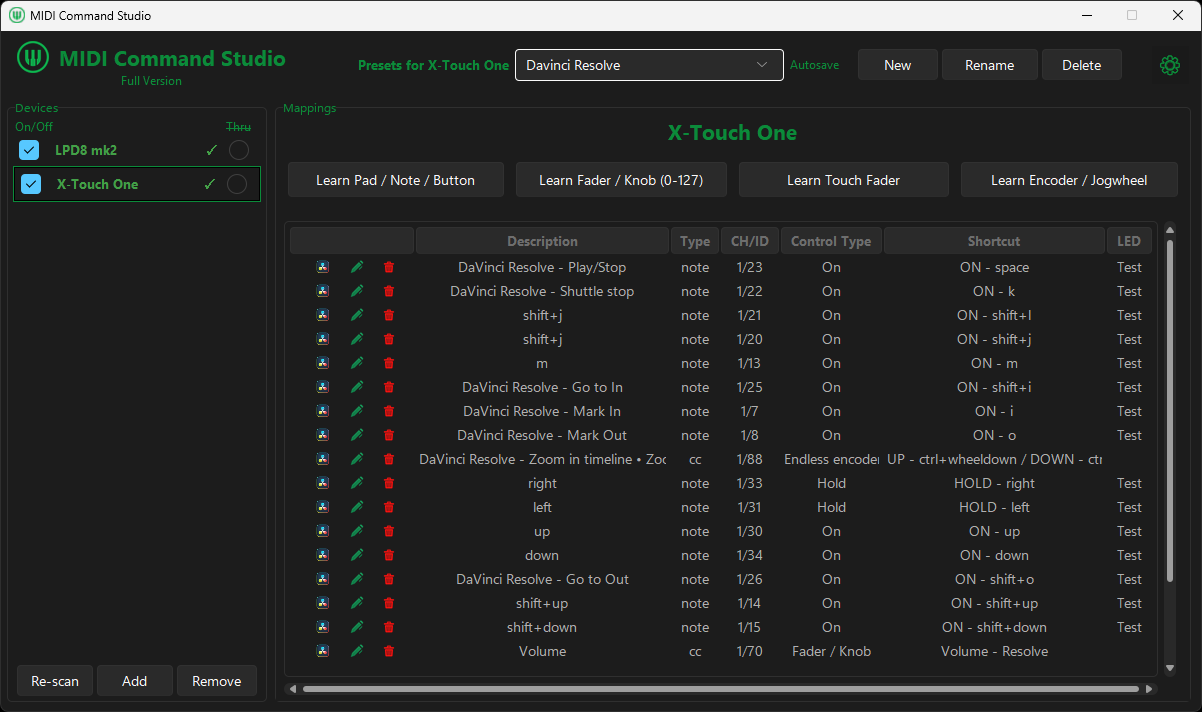
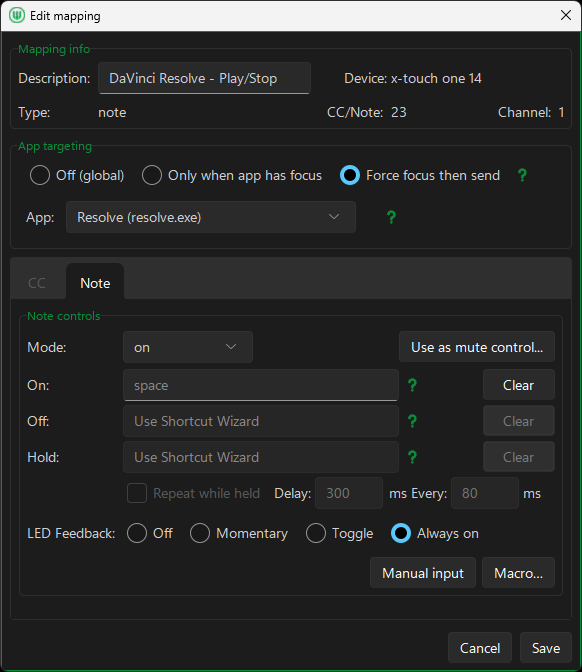
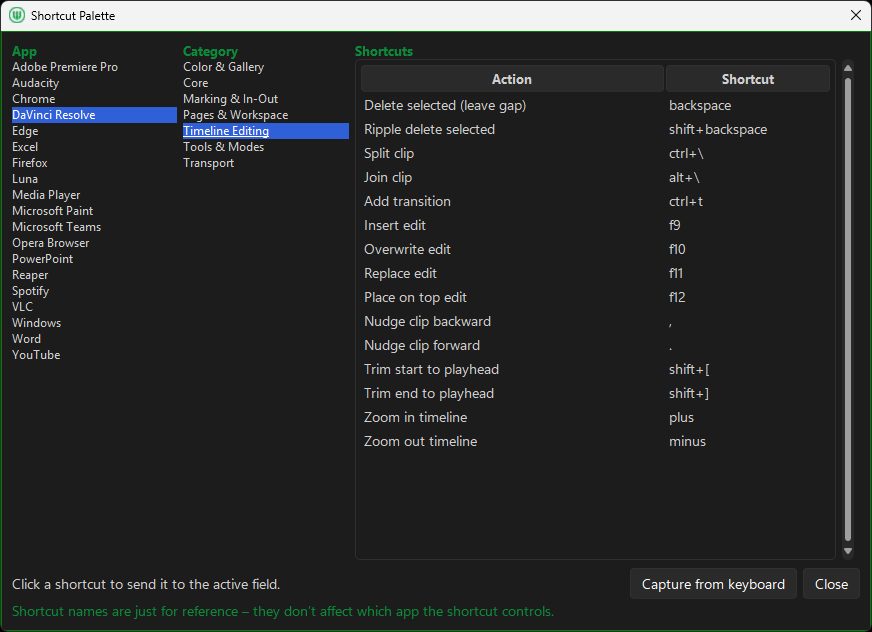
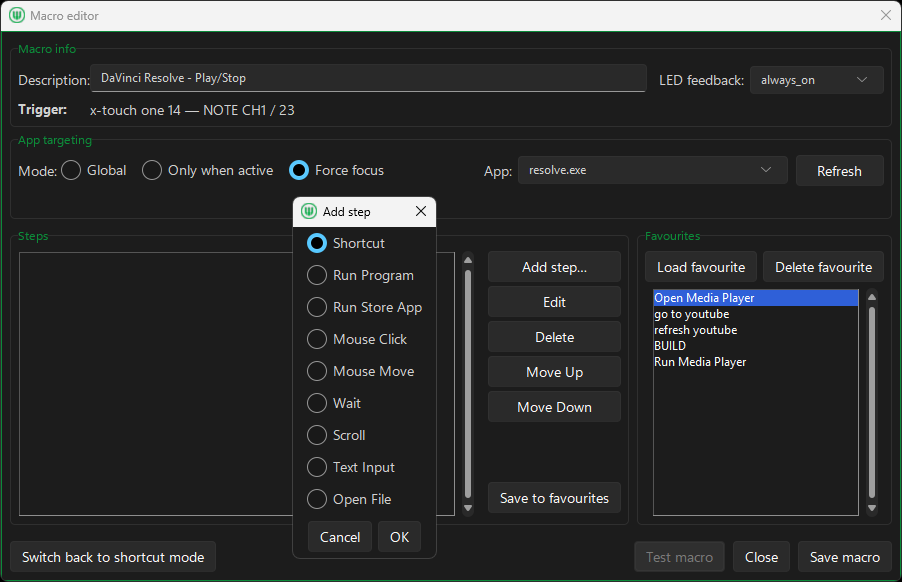
MIDI Command Studio is more than a basic MIDI-to-shortcut app. It allows MIDI controls to be mapped to shortcuts, macros, and volume controls, while also letting a single controller be configured for multiple applications and switched between them instantly. This makes it possible for one device to behave like several purpose-built controllers. The free version can be tested with your own setup first, and if it already does what you need, you can simply keep using it.
Download · Features · Guides · Free vs Full · Help · Data & Privacy · FAQ · Contact
Step-by-step guides for common MIDI control workflows on Windows.
Understand how MIDI Command Studio can control OBS hotkeys, input levels, presets, and Mackie/MCU workflows.
Step-by-step setup for mapping MIDI controls to keyboard shortcuts on Windows.
Map a knob or fader to system volume and specific app volume targets.
Map MIDI controls to default or selected Windows input endpoints.
Create one-button multi-step macros for OBS, editing tools, and daily workflows.
Set up trigger buttons, stop mappings, and playback modes for sample control on Windows.
Configure MCU mode with LCD, LED, and motorized fader feedback for shortcuts, macros, and volume.
Control multiple volume targets with one motorized fader by switching presets.
Set up X-Touch One connection, presets, and motorized fader feedback on Windows.